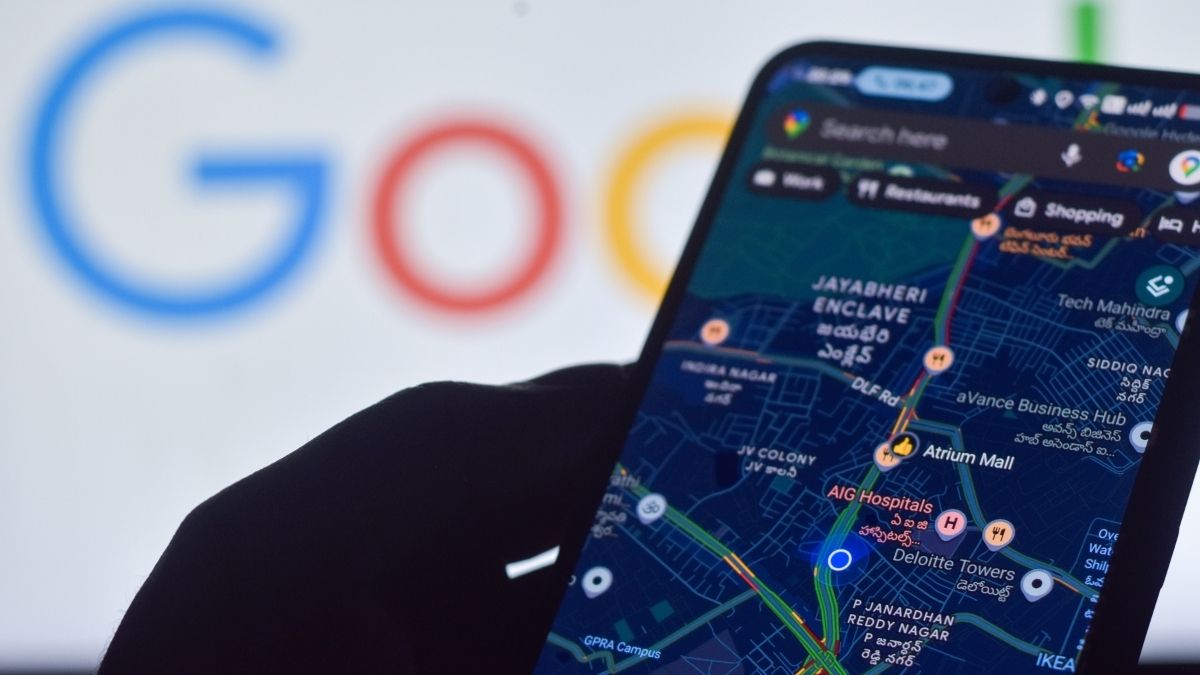
GOOGLE users on Android may find that their phone number becomes attached to all Google accounts signed in on the same device. Malwarebytes reports that Google’s own documentation confirms phone number verification is on by default and applies to both existing and new accounts on a device. The number is tied to accounts for features such as sign‑in, account recovery, Rich Communications Services messaging, and device security, but it can link otherwise separate Google identities if they share a device.
While not making numbers public, this creates an additional path for Google to associate accounts with a single identity, something some users may not have intended.
The article outlines practical steps to limit or remove the linking. First, disable automatic phone number verification on the Android device by navigating to Settings, then Google or Google Services, All services, Privacy & security, and turning off Verify phone numbers automatically. This only prevents new associations; numbers already added remain.
Next, review each Google account via myaccount.google[.]com, looking under Personal info > Contact info > Phone to identify and delete numbers you no longer want tied to specific accounts. Finally, check other uses of the number across services, including 2‑Step Verification and recovery settings, and review any service‑specific phone number settings. The piece notes that some users report automatic verification reactivating after being disabled, but cautions that this is anecdotal.