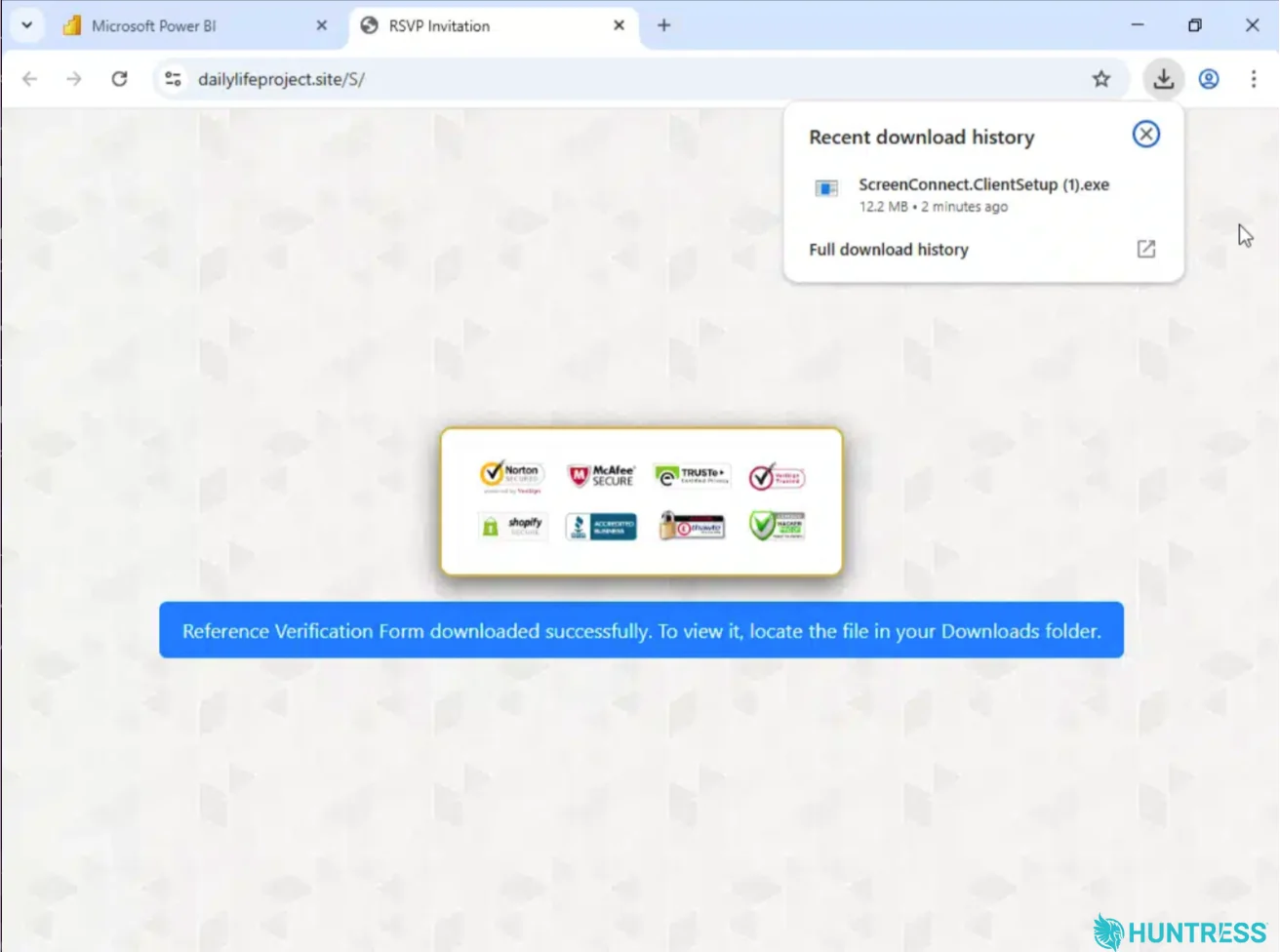
A phishing operation has been observed abusing Microsoft Power BI to install rogue ScreenConnect remote access clients. In this campaign, attackers hosted a fake document on a public Power BI page that appeared legitimate to email filters. Recipients who clicked a “Download Reference” link were taken to a site that performed browser and device fingerprinting before guiding some users to a decoy page. The technique allowed the attackers to bypass certain security controls and deliver a ScreenConnect installer to targeted endpoints.
The infection chain features a two-stage remote access setup. First, an initial ScreenConnect client is installed, followed by a second client connected to a different server. In at least one case, the first client was removed after the second was installed, likely to evade detection. The attackers also deployed a tool to hide their activity and, in at least one incident, created a scheduled task to rerun the script every two minutes.
Victims’ IP, location, browser and OS data were sent to a Telegram bot, enabling command-and-control, while the rogue clients granted full remote access. Huntress notes that no confirmed data exfiltration was reported. The campaign appears to reflect a broader trend of dual remote-management channels, with Microsoft noting a similar MSP360- ScreenConnect pairing in a separate phishing wave.
For Defence, researchers recommend restricting remote management tools to approved instances, detecting new ScreenConnect installs, investigating multiple RMM clients on a single endpoint, monitoring for remote-access scheduled tasks, and training users to report suspicious trusted-looking links.