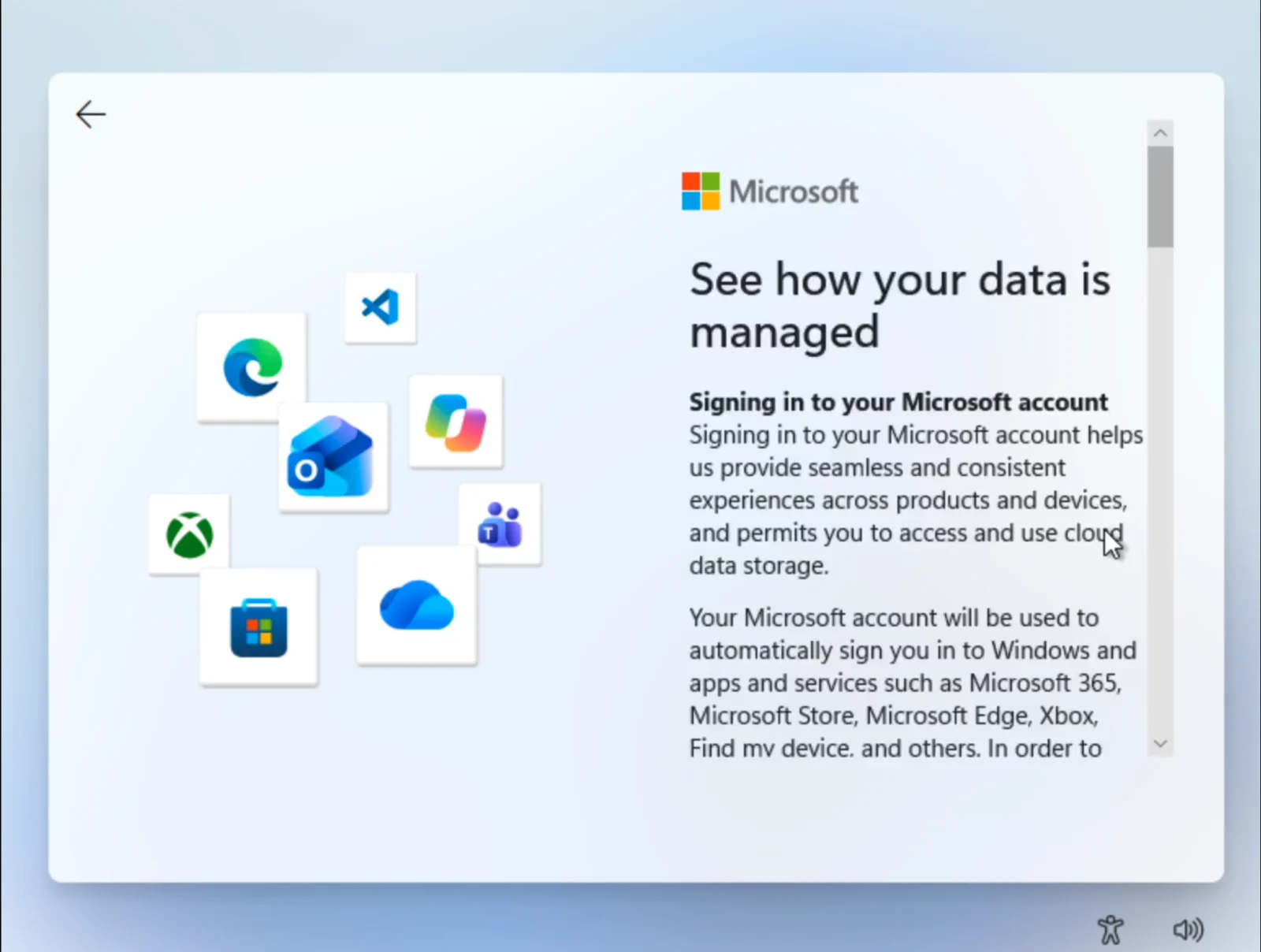
MICROSOFT has patched a local account bypass in Windows 11’s OOBE (out-of-box experience) that previously allowed users to sidestep online authentication. The flaw emerged when a click on the “Learn more” link beneath the login prompt would instantly redirect to a local account creation screen, effectively letting installers bypass Microsoft’s usual requirement for an online account during initial setup.
The exploit was surfaced by a developer on social media and described as an inadvertent oversight in the OOBE flow, with the backend relying on cloud-based configurations.
Microsoft has since resolved the issue by adjusting its server-side settings. After the patch, the informational link correctly displays its documentation, and the setup process now prevents any diversion to offline profiles. The company has not issued a public statement about the vulnerability, and the exact timing of the backend changes remains unclear.
For those seeking offline profiles, the article notes that bootable USB media and the Rufus utility can still be used to bypass mandatory online authentication by deploying a customised installation image by default.
Overall, the incident appears to have been a back-end misconfiguration rather than a widely exploitable flaw requiring user action. There is no indication of formal CVE involvement in the article, and the remediation is described as a server-side fix rather than a user-side workaround. Practitioners should verify that Windows 11 installations default to online authentication and be aware of offline deployment options if offline profiles are needed.