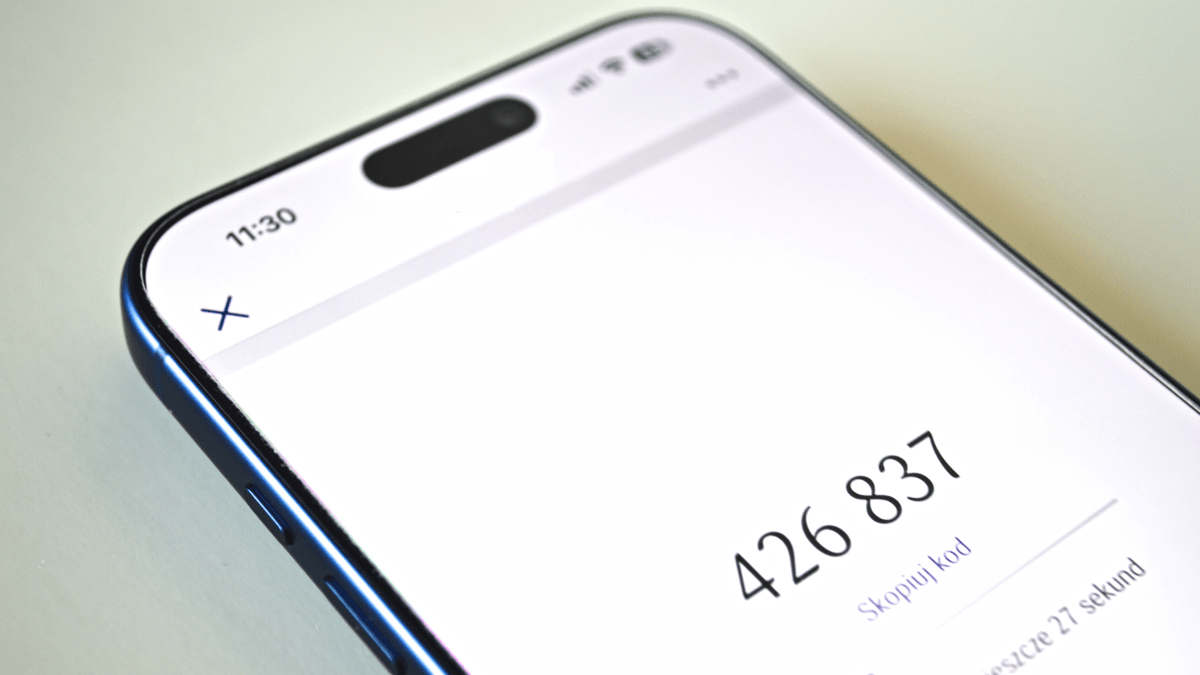
DEVICE code phishing abuses a legitimate sign-in feature designed for devices with limited screens or input, such as smart TVs, printers and conference-room equipment. Malwarebytes said scammers start a device-code login for an application or device they control, then use social engineering—such as a fake Teams invitation, document-sharing request or “secure” chat invitation—to persuade a victim to enter the code on a genuine sign-in page.
When the victim enters the temporary code and approves the request, the attacker receives authentication tokens. These act as digital passes and can provide access without revealing the victim’s password. The impact depends on the application and permissions granted: access may be limited to one service or extend to email, files, contacts and other services. Multifactor authentication may not prevent the attack because the victim can complete the MFA step while unknowingly authorising the attacker.
Malwarebytes also noted that checking the web address may not expose the fraud, since the page itself can be legitimate, including `microsoft.com/devicelogin` for Microsoft accounts.
The technique is used in phishing kits such as EvilTokens. Users should be wary of unexpected requests to enter a sign-in code, approve an unfamiliar device or application, or use a code to join a meeting or open a document—particularly when accompanied by urgency or a request to move to another messaging app. Anyone who approved such a request should check recent account activity, connected applications and devices, sign out everywhere, and change their password.